The "Choose Your Own Adventure" concept got popular in the 1980s through a book series, which provided readers with a unique and engaging reading experience. This interactive storytelling method draws readers into the narrative by allowing them to make choices that impact the vital points. These choices may give readers a desired or undesired outcome, making the reading experience exciting and unpredictable. Because there are numerous branching pathways and endings, readers are able to return to the story at any moment to consider various options and see various plotlines develop.
What Is a Choose Your Own Adventure Video?
Choose Your Own Adventure (CYOA) is an interactive video concept that lets viewers make decisions that affect the plot's course and resolution. These choices are displayed at critical moments in the video with clickable alternatives that split into other storylines.
YouTube interactive programs like A Heist with Markiplier and popular content like Netflix's Bandersnatch helped spread awareness of the idea. In both examples, endings and stories were different as viewers were asked to choose the character's next move.
Educators, producers, and brands use this format to increase personalization, engagement, and retention. Through interactive videos you can create product tutorials, training scenarios that mimic real-world situations, or instructional videos that incorporate active learning.
Planning Your Interactive Story
You should first create the framework of your interactive story before you write or record anything. Plan the goal first, for example, if you want to create a video for training, education, entertainment, or conversion?
Next, create a decision tree or flowchart that shows potential viewing paths. Think about:
- The quantity of decision points
- The quantity of results
- Branching vs linear structure
- Where to find calls to action, quizzes, and feedback
Don't make things too complicated. The user may become overwhelmed by too many branches too soon. Instead of only producing surface-level modifications, each branch should produce significant results that represent the viewer's choices.
Writing the Interactive Script
Writing a CYOA script entails a nonlinear approach. Each decision point should naturally emerge from the plot and result in distinct results. The script must maintain continuity across multiple narrative pathways.
Tips for Writing:
- Use concise dialogue and make clear options.
- Keep each branch consistent in tone and pace.
- Anticipate user behavior: make options equally appealing.
- Provide clues for branching logic (e.g., "If they chose A earlier, unlock this scene").
Scriptwriting tools such as Twine and branching templates in Google Docs can assist keep everything structured and avoid logical contradictions between scenes.
Tools and Platforms to Build CYOA Videos
Several tools allow you to create dynamic, branching video experiences without having sophisticated coding skills:
Popular Tools:
1. Life Inside
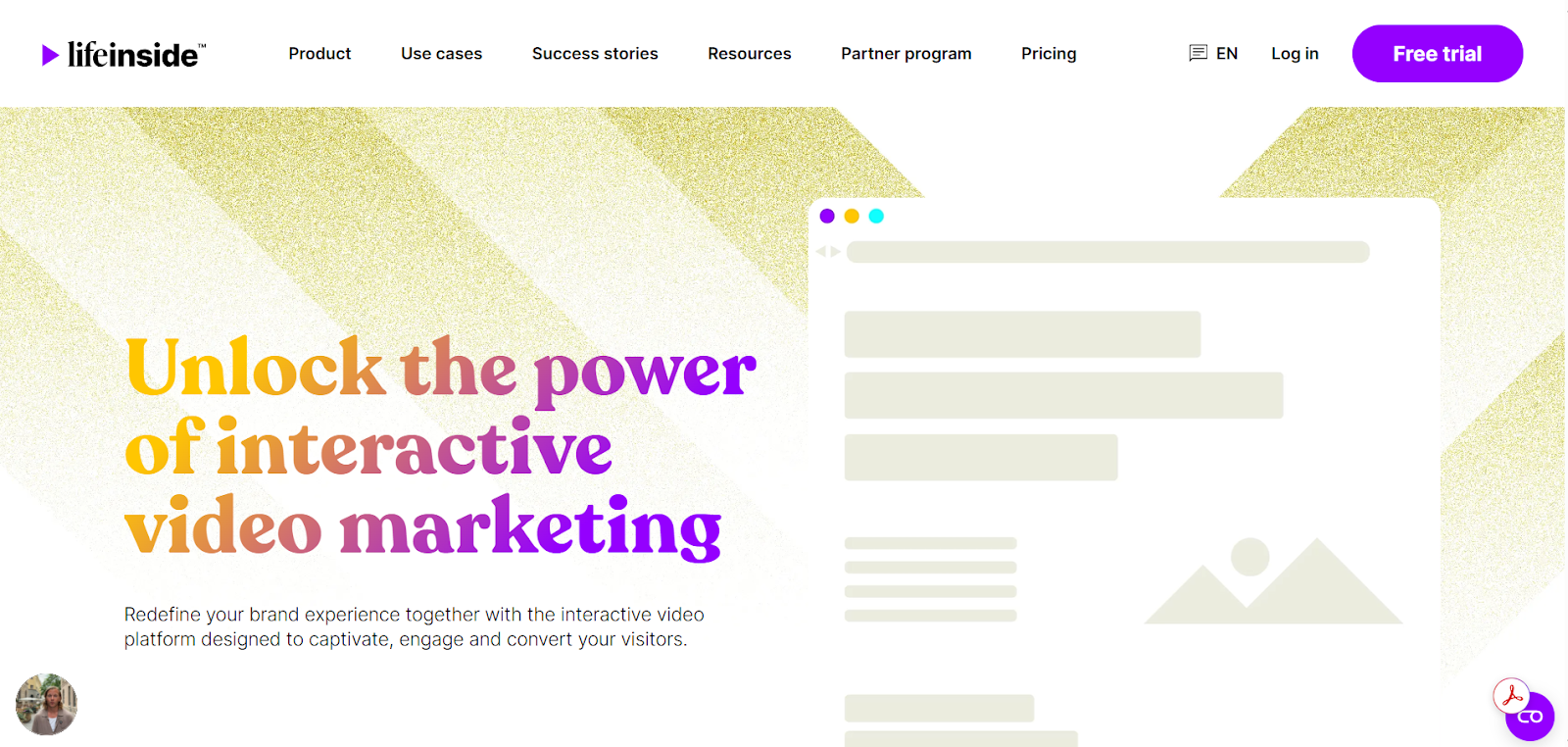
Life Inside, an interactive video platform, was created to make it simple for companies, organizations, and brands to produce, gather, and share entertaining CYOA videos across several channels. By providing funnels, customized CTAs, and comprehensive statistics in an incredibly user-friendly interface, it particularly shines in marketing, sales, recruitment, public sector outreach, and e-commerce.
Key Features:
- Automated library for gathering videos (both user-generated and existing).
- Gather and organize footage for CYOA-style investigation.
- Customized interactive components, such as choice buttons, forms, and CTAs.
- Performance metrics monitoring engagement, conversions, and clicks.
- Distribution via social media, applications, email, and the web.
- Scalable and user-friendly for companies of all sizes.
- GDPR-compliant in terms of data security and privacy.
- Updates to content in real time and smooth integrations.
2. Stornaway.io
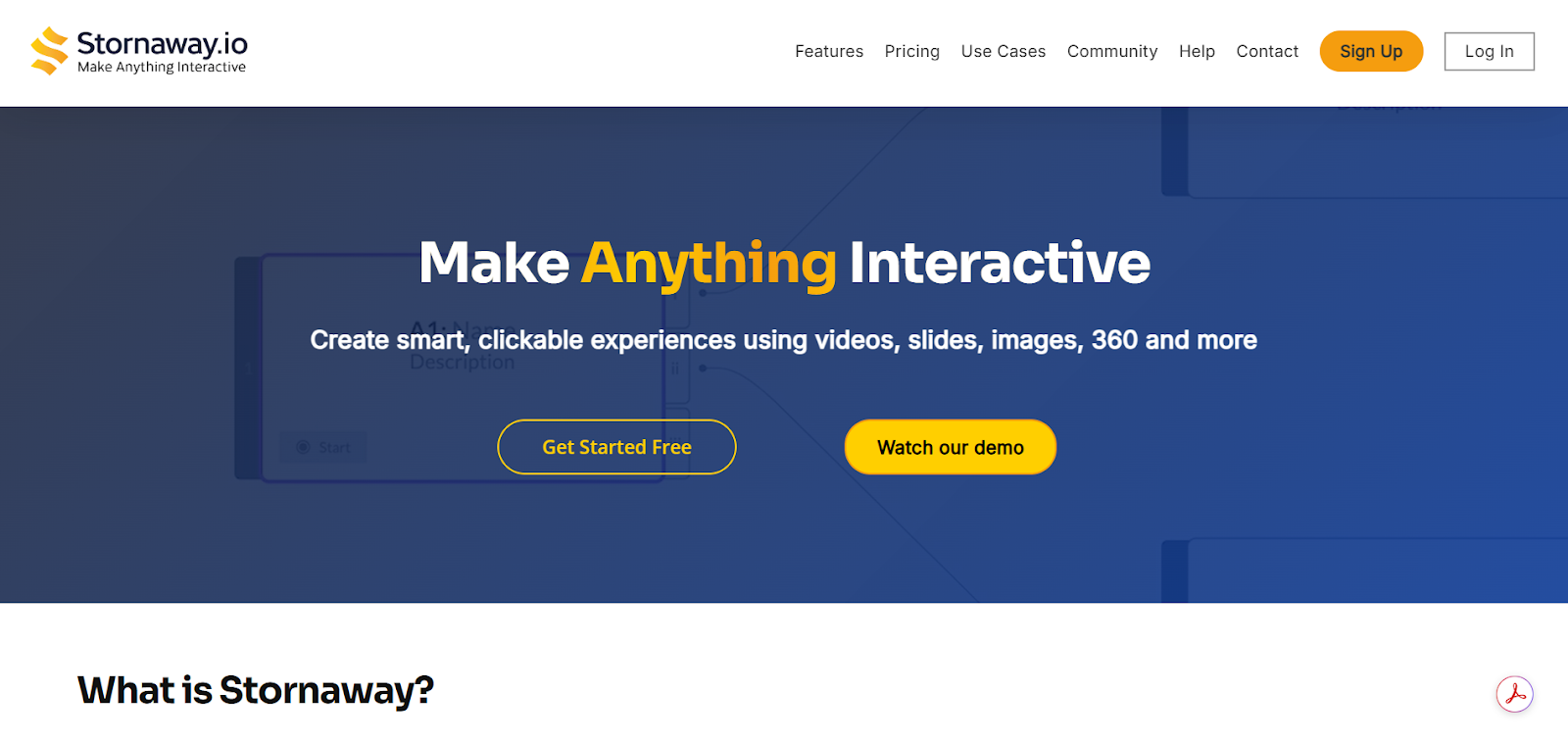
For storytellers, educators, and marketers, Stornaway.io is a no-code interactive video production tool that makes it simple to create branching tales for CYOA events.
Key Features:
- Easy branching with a drag-and-drop story mapping interface.
- No coding is necessary.
- Direct posting to websites, social media, or YouTube.
- Analytics to monitor the preferences of viewers.
- Features for team collaboration.
- Supports several languages and subtitles.
3. Hihaho
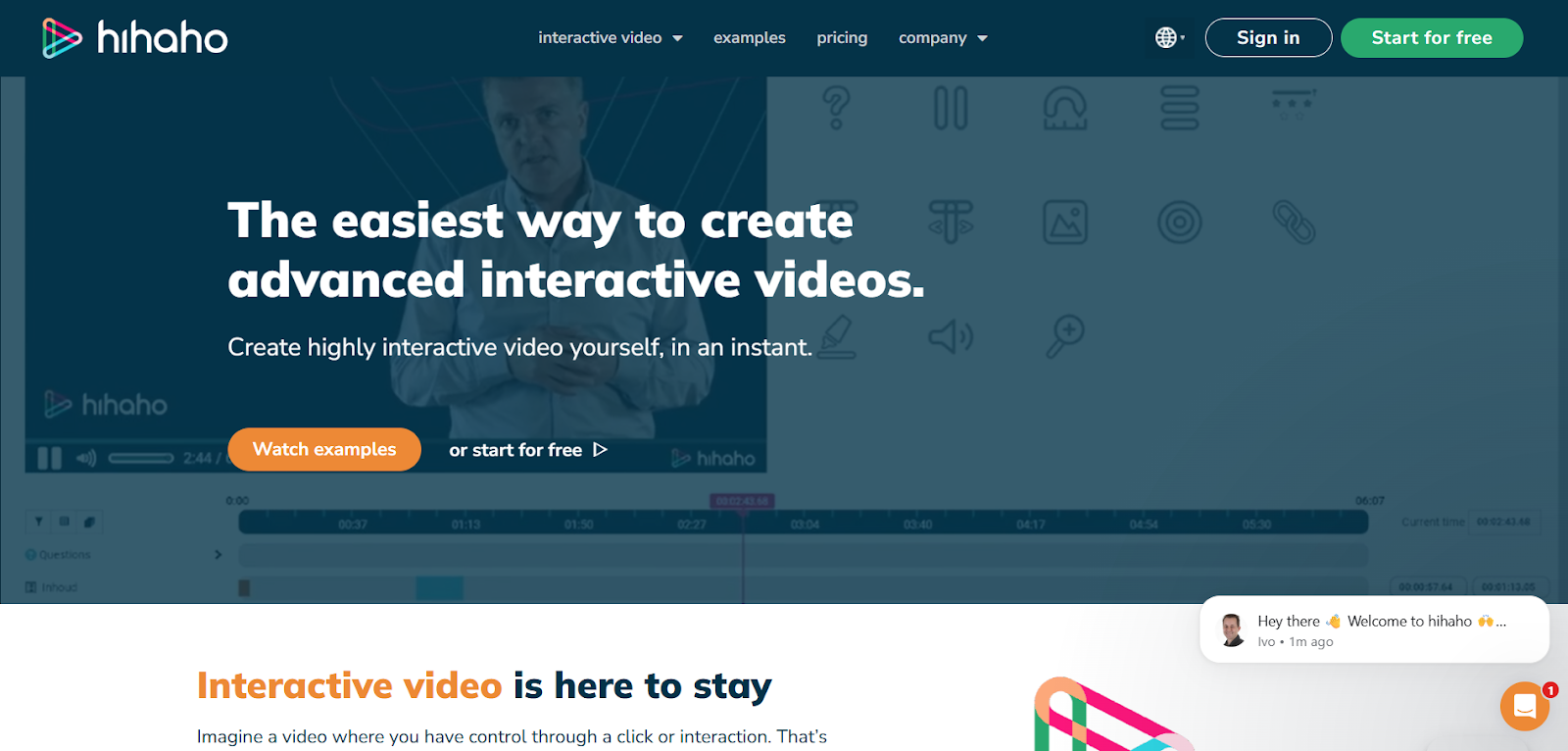
Hihaho is a flexible interactive video platform that allows users to add interactivity to pre-existing videos for marketing, corporate training, and educational applications.
Key Features:
- Include questions, branching paths, and clickable hotspots.
- Connects to the current video platforms (Vimeo, YouTube).
- Offers thorough reporting and analytics.
- Compliance with SCORM for integrating e-learning.
- Support for multiple languages and accessibility features.
4. Mindstamp
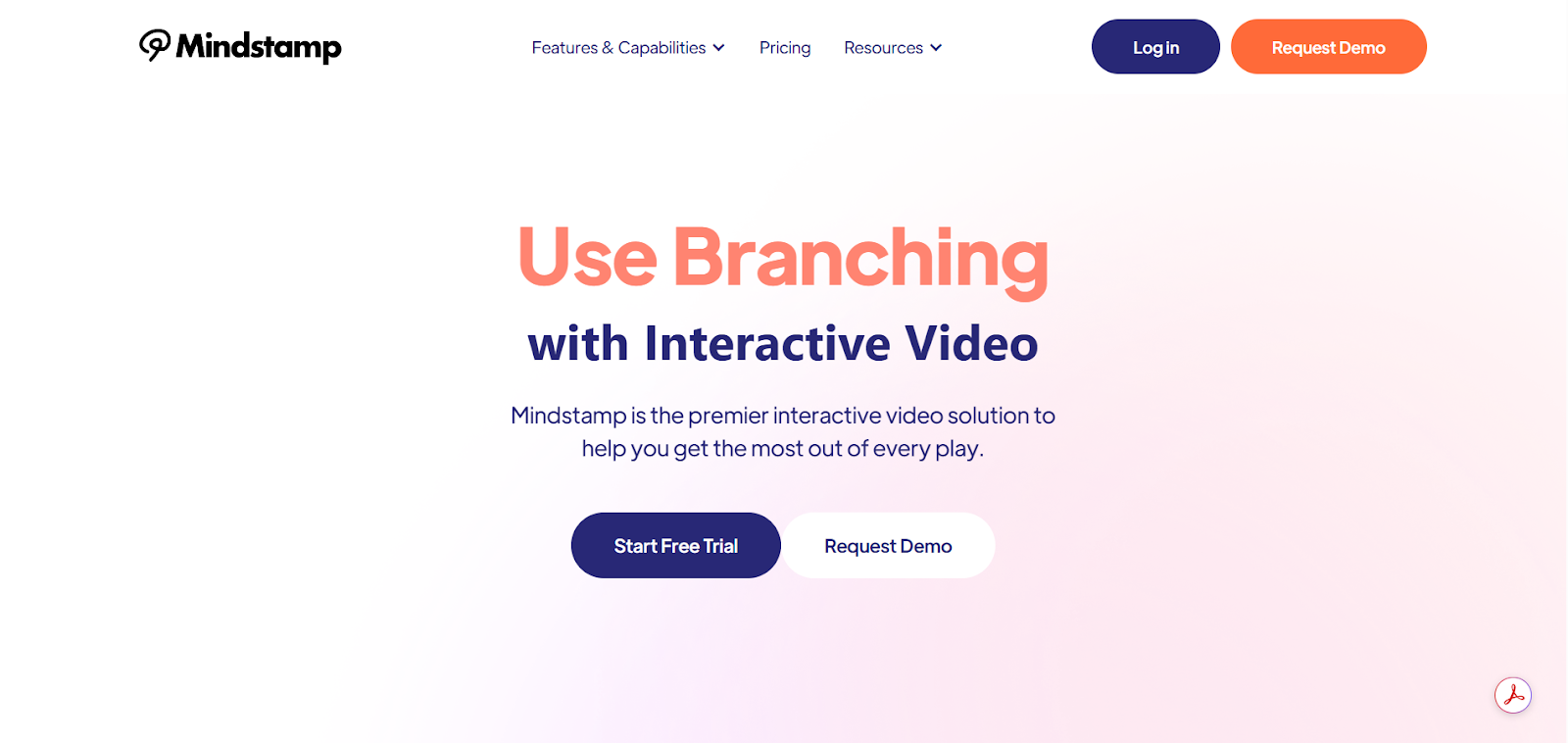
Mindstamp enables producers to incorporate interactive elements into any video, emphasizing high levels of engagement through feedback, bespoke paths, and questions. It is appropriate for customer onboarding, training, and sales.
Key Features:
- Clickable buttons, tests, questions, and branching are superimposed.
- Allows the use of Vimeo and YouTube videos and uploads.
- Customization based on feedback from viewers.
- Dashboard for advanced analytics.
- Connects to marketing and CRM tools.
5. Eko Studio
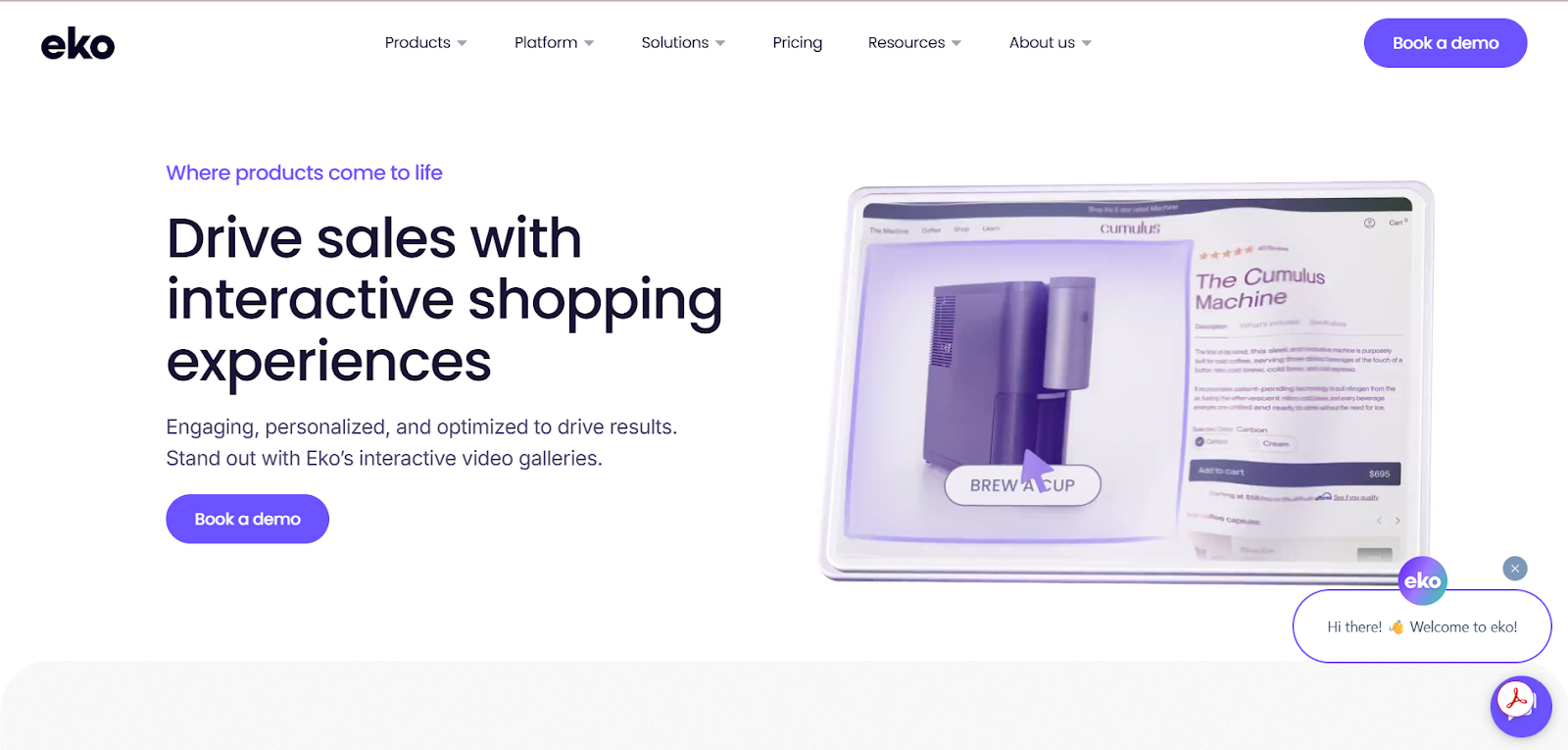
Eko is a marketing and entertainment-focused creative platform that provides resources for creating brand experiences and branching narratives that captivate audiences.
Key Features:
- An adaptable drag-and-drop editor for branching.
- CYOA, shopping, and quiz templates.
- Choice interactions in real time.
- Suite of rich analytics.
- Team collaboration and workflow management.
Compare the following features:
- Branching logic depth.
- Timeline-based editing.
- Viewer Analytics
- Integrations (such as with LMS, CRMs, and email programs)
- Easy to use and learning curve
Production Tips for CYOA Videos
Producing a Choose Your Own Adventure video necessitates meticulous planning on set and in post-production. Even when the tale changes, each branch's lighting, tone, and performance must remain consistent.
Key tips:
- Shoot all branches in one session to ensure continuity and reduce production expenses.
- Use visual signals or outfit modifications to assist viewers comprehend that their decisions have consequences.
- Keep scenes brief and focused, particularly near decision points.
- To keep track of timeframes and paths, use a storyboard or an interactive flow chart.
- When recording, create transitions that feel natural and make it simple to incorporate interaction points afterward. This lowers friction and keeps viewers engaged.
Adding Interactivity to Your Video
Once your film is complete, you'll need to add interaction layers to let viewers navigate the plot.
Common interaction components:
- Clickable options (buttons, hotspots)
- Timed questions or prompts
- Logic rules to tailor the experience based on previous selections
- Embedded quizzes or forms that help to generate leads or test comprehension
Use them only when required. Each interaction should feel important and contribute to the story, rather than simply serving as a contrivance.
Mindstamp, Wirewax, and H5P enable you to drag & drop interactions straight onto video timelines. You can also use YouTube end screens or cards for simple branching, although the options are more limited.
Publishing and Sharing Your Video
The platform you pick will determine how you publish your interactive video. Some platforms provide private hosting, while others enable embedding in websites or LMS systems.
Platforms that support the CYOA format:
- Life Inside: Life Inside is a platform that enables brands and organizations to create interactive video experiences, enhancing audience engagement and conversion through its unique video collation and multi-channel distribution capabilities.
- Mindstamp - This platform provides hosting, analytics, and integrations for marketing, training, and education.
- Wirewax - Ideal for enterprise ads featuring e-commerce or high-end images.
- Eko - Best for branded storytelling or media collaborations.
- H5P - Easily integrates with Moodle, WordPress, and other educational platforms.
- YouTube (via linked videos) - The best option for lightweight, easily available CYOA videos that do not require external software.
Make sure to test your movie on many devices as interactions don't always work the same on mobile as on desktop.
Best Practices for Titles, Thumbnails, and CTAs
The first hook consists of your title and thumbnail. It is especially vital to communicate the experience up front when using interactive content.
- Title Tips:
- Use actionable language ("Can You Survive This Digital Marketing Mission?").
- Include a clear prompt implying choice or control ("You Choose What Happens Next").
- Thumbnail Tips:
- Feature actors in mid-action or display a decision split (for example, left/right routes).
- Include bold language, such as "Start Here" or "Make Your Move".
- CTA Best Practices:
- Use powerful, benefit-oriented language ("Start Your Journey," "Unlock the Next Step").
- Place your CTAs before and after decision points.
- Match the CTA style to the tone of your tale (formal, playful, instructive).
Using Analytics to Track Viewer Behavior
Interactivity provides access to rich behavioral data beyond views and viewing time.
Key metrics to monitor:
- Click-through rates for decision points
- Drop-off locations in specific branches.
- Time consumed per segment or path.
- Choices made most frequently
- The completion rates for each plot
Platforms such as Life Inside provide a visual analytics dashboard that displays viewer flow. This information helps to improve stories, eliminate dead ends, and create content paths, increasing conversions or engagement.
When you track the viewer behavior, you can improve performance, enhance future scripts, test hypotheses, and fine-tune your storytelling.
Common Mistakes to Avoid
You might feel thrilled to create Choose Your Own Adventure (CYOA) videos, but a few mistakes need to be avoided.
Avoid the following common mistakes:
- Too many branches, too soon - Overcomplicating the plot early on might confuse viewers and decrease engagement.
- Choices are unclear - Viewers find it difficult to believe that their decision is important when the options are vague or comparable.
- Poor transitions - Sudden cuts between scenes can disrupt immersion. Use seamless transitions or visual cues to help viewers navigate naturally.
- Missing continuity - Characters, situations, or timeframes that do not match between branches will cause confusion.
- No clear CTA - Viewers should always know what to do next, whether it's making a decision, subscribing, or watching another video.
- Lack of analytics - If you are not tracking behavior, you are missing out on valuable insights for improving your video strategy.
Examples of Successful Choose Your Own Adventure Videos
Here are a few noteworthy examples that demonstrate what is possible with interactive storytelling:
- Netflix's Bandersnatch - An innovative interactive movie where viewers were able to influence the story, character selections, and even the ending.
- YouTube's A Heist with Markiplier - This video is a rapid journey with several branching paths that showcases viewer-driven narrative on a large scale.
- Dot.vu's Interactive Recruitment Video – This video was created for HR teams and guides viewers through a "day in the life" of engaging and qualifying potential hires.
- Mindstamp Educational Videos - Teachers use these videos to encourage learning with decision points and interactive quizzes, enabling student retention.
These examples predict the flexibility of CYOA videos in entertainment, education, and marketing.
Final Thoughts
Choose Your Own Adventure videos impact the way they engage with your audience by allowing active participation of the audience rather than passive viewing. If you are a business, school, or content developer, the format allows you to improve engagement, retention, and provide personalized experiences, all within a single video.
With the proper preparation, tools, and strategy, interactive video may become an important element of your content marketing or learning toolset.
Frequently Asked Questions:
1. How do you plan a branching narrative?
Begin with a flowchart or mind map. Determine your main storyline, then sketch out decision points, potential options, and resulting paths. Initially, keep the structure simple, two to three tiers deep is sufficient.
2. Which tools can I use to make interactive videos?
Popular tools include:
- Mindstamp is perfect for marketers and educators.
- Wirewax is ideal for high-end commercial use.
- Eko focuses on branded storytelling.
- H5P is a free alternative for instructors.
- YouTube Cards/End Screens are useful for linking simple video options.
3. How do I script an interactive video?
Write each scene with clear decision points and conclusions. Keep track of pathways by using branching templates or tools such as Twine. Make sure your conversation and actions reflect the viewer's previous decisions.
4. Are CYOA videos effective for marketing?
Yes. They foster interaction, improve message retention, and provide customisation. Viewers spend more time watching interactive videos and are more likely to convert when they believe they can influence their experience.
5. Can I use AI to create branching video paths?
AI can help produce scripts, provide branching logic, and even tailor material based on viewer behavior. Some platforms have started integrating AI to suggest story paths or automate editing with human involvement being critical for storytelling.